Why Is Custom Software Development Expensive When AI Can Generate Code?
AI can generate code quickly, but building reliable business software requires strategy, architecture, UX, security, testing, integrations, deployment, and long-term support.
AI has changed how software is built.
Today, AI tools can generate code, create interfaces, suggest database structures, write functions, and even help developers build faster.
This makes many business owners ask a fair question:
“If AI can build software, why is custom software development still expensive?”
The answer is simple:
Because real software is not just code.
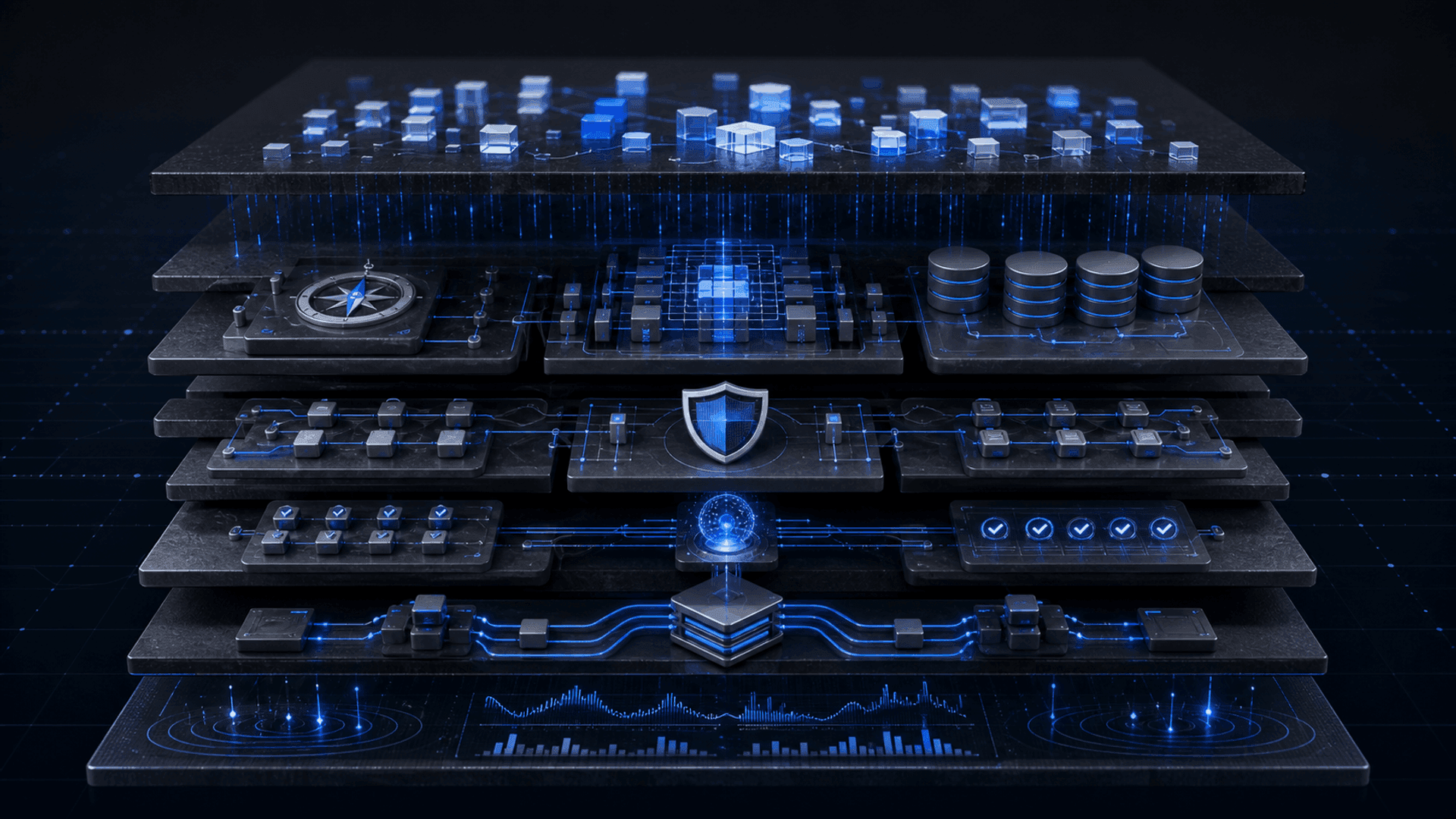
A business system is a combination of strategy, user experience, architecture, data, security, integrations, testing, deployment, maintenance, and long-term responsibility.
AI can help write parts of the code.
But building a reliable product that works for real users, real operations, and real business growth still requires experienced people.
Software cost is not only about writing code
Many people think software development means writing screens and code.
But in a real project, coding is only one part of the work.
A custom software project may include:
- Business analysis
- Workflow mapping
- User journey planning
- UX/UI design
- System architecture
- Database design
- Front-end development
- Back-end development
- Admin dashboard development
- API integrations
- Payment or CRM integrations
- Security planning
- Testing and bug fixing
- Deployment
- Hosting setup
- Documentation
- Training
- Support and maintenance
AI can help speed up some of these steps.
But it does not remove the need for planning, decision-making, validation, and accountability.
AI can generate code. But who decides what should be built?
Before any code is written, the team must answer important questions.
What problem are we solving?
Who will use the system?
What roles and permissions are needed?
What data should be stored?
What workflows should be automated?
What happens when something fails?
What should the admin control?
What should the customer see?
What reports does management need?
What integrations are required?
What happens after launch?
AI can produce code based on instructions.
But if the instructions are wrong, incomplete, or unclear, the output will also be wrong.
A professional software company helps define the right system before building it.
That discovery and planning stage is a major part of the project value.
1. Business analysis takes time
A good software company does not start by asking only:
“What features do you want?”
It asks:
“What is happening inside your business today?”
This includes understanding:
- Current workflows
- Manual processes
- Customer journey
- Team roles
- Business rules
- Bottlenecks
- Data flow
- Reporting needs
- Future growth plans
- Operational risks
Without this step, the system may look good but fail to solve the real business problem.
AI can help document ideas.
But it does not sit with your team, understand internal operations, challenge assumptions, and translate business complexity into a clear technical plan.
2. Architecture is more important than quick code
AI can generate code quickly.
But fast code is not always good software.
A reliable software system needs architecture.
Architecture means deciding how the system will be structured so it can work today and grow tomorrow.
This includes:
- Database structure
- User roles and permissions
- API design
- Security model
- Performance planning
- Scalability
- Error handling
- File storage
- Logging
- Backups
- Deployment structure
- Future expansion
Bad architecture may not appear as a problem in the first week.
But later, it can cause slow performance, bugs, security issues, expensive rebuilds, and difficulty adding new features.
Professional development costs more because it includes decisions that protect the system long term.
3. UX/UI design is not just making screens look nice
A business system needs to be easy to use.
If the system is confusing, employees will avoid using it.
If the customer journey is unclear, users will drop off.
If the admin dashboard is messy, the team will make mistakes.
UX/UI design answers questions like:
- What should the user see first?
- How many steps should the process take?
- What information is required?
- What actions should be easy to find?
- How should errors be displayed?
- What happens on mobile?
- How do we reduce confusion?
- How do we make daily work faster?
AI can generate interface ideas.
But good UX requires understanding real users, real workflows, and real business priorities.
A beautiful screen is not enough.
The system must be usable.
4. Databases need careful design
Most business systems depend on data.
Customers, users, requests, payments, products, orders, documents, messages, permissions, reports, and activity logs all need to be stored correctly.
Poor database design can create serious problems:
- Duplicate data
- Missing records
- Slow queries
- Incorrect reports
- Broken relationships
- Difficult updates
- Security risks
- Complicated future development
AI can suggest database tables.
But designing a database for a real business requires understanding how data changes, who can access it, how it connects, and how it will be used later.
A strong database foundation is one of the reasons professional software development costs more.
5. Security cannot be guessed
Security is not optional.
A custom system may include customer data, employee data, payment information, contracts, documents, internal reports, or private business logic.
Security requires decisions such as:
- Who can access each part of the system?
- What permissions does each role have?
- How are passwords handled?
- How are files protected?
- How is sensitive data stored?
- How are APIs protected?
- How are admin actions logged?
- How are errors handled?
- How is the system protected from abuse?
AI can write security-related code, but it can also produce insecure code if not reviewed properly.
A professional team checks, tests, and designs security intentionally.
That responsibility is part of the cost.
6. Integrations are complex
Many systems need to connect with other tools.
For example:
- CRM systems
- Payment gateways
- Email services
- SMS providers
- Calendars
- Accounting systems
- Shipping providers
- AI models
- Analytics tools
- Internal databases
- Third-party APIs
Integrations are rarely as simple as connecting one button.
They need:
- Authentication
- API limits
- Error handling
- Data mapping
- Retry logic
- Webhooks
- Testing
- Monitoring
- Security checks
- Fallback plans
AI can help write integration code, but real integrations need engineering experience and testing in real conditions.
7. Testing and bug fixing take serious effort
A system is not finished when the first version works.
It needs testing.
Testing checks what happens when:
- A user enters wrong data
- The internet connection fails
- A payment fails
- A file upload is too large
- A user does not have permission
- Many users use the system at the same time
- An API stops responding
- A required field is missing
- A customer repeats an action
- An admin changes important settings
AI-generated code may work in the ideal case.
But real users do unexpected things.
Professional teams spend time testing, fixing, improving, and making the system more stable.
This is a major part of software cost.
8. Deployment and infrastructure matter
Building software locally is different from running it for real users.
A live system needs:
- Hosting setup
- Environment configuration
- Domain setup
- SSL certificates
- Database hosting
- File storage
- Deployment pipelines
- Monitoring
- Backups
- Performance checks
- Error tracking
- Server configuration
- Scaling planning
If deployment is done badly, the system may be slow, unstable, or difficult to maintain.
A professional company does not only build the software.
It prepares it to run.
9. Maintenance is part of real software
Software is not a one-time object.
After launch, businesses often need:
- Bug fixes
- Feature improvements
- Security updates
- Performance optimization
- User feedback changes
- New reports
- New integrations
- Design improvements
- System monitoring
- Backup checks
- Team support
AI can generate a first version.
But who maintains it after launch?
Who understands the architecture?
Who fixes issues?
Who improves the workflow?
Who keeps the system stable?
Who supports the business when requirements change?
Professional software development includes long-term thinking.
10. Accountability has value
When a business pays a professional software company, it is not paying only for code.
It is paying for accountability.
A company is responsible for:
- Understanding the project
- Delivering agreed scope
- Managing the process
- Communicating progress
- Testing the system
- Fixing issues
- Supporting launch
- Documenting the work
- Advising on technical decisions
- Helping the product evolve
If an AI-generated system breaks, gives wrong results, exposes data, or fails under pressure, the business still needs someone responsible.
That responsibility is part of the value.
Why AI does not make software free
AI reduces some effort.
It can help developers write faster, explore ideas, create drafts, generate boilerplate code, and speed up repetitive tasks.
But it does not remove the real work required to build reliable software.
AI may reduce the time needed for some coding tasks, but it does not replace:
- Business understanding
- Product strategy
- Technical architecture
- UX decisions
- Data modeling
- Security review
- Integration planning
- Testing
- Deployment
- Maintenance
- Ownership
In many cases, AI makes good teams faster.
It does not make inexperienced execution safe.
Why professional software can feel expensive
Software development can feel expensive because the client often sees only the final screens.
But behind those screens, there may be many invisible layers:
- The database storing the information
- The backend processing the logic
- The APIs connecting services
- The permissions protecting users
- The validations preventing mistakes
- The dashboards showing business data
- The automation reducing manual work
- The deployment making the system live
- The testing preventing failures
- The documentation supporting future work
The cost is not only for what appears on the screen.
It is for the system behind the screen.
Cheap software can become expensive later
A low-cost AI-generated system may seem attractive at first.
But if it is not built properly, the business may face problems later:
- The system becomes hard to modify
- New features break old features
- Performance becomes slow
- Data becomes messy
- Security risks appear
- Integrations fail
- Developers cannot understand the code
- The system needs to be rebuilt from scratch
In software, the cheapest option at the beginning can become the most expensive option later.
A professional team helps reduce this risk by building with structure from the start.
When AI-generated software may be enough
AI-generated software can be useful for:
- Prototypes
- Internal experiments
- Small tools
- Demo versions
- Early MVP exploration
- Personal projects
- Simple landing pages
- Testing an idea before investing
But when the system affects customers, revenue, operations, data, payments, employees, or long-term growth, the business needs professional planning and execution.
How Evexa uses AI in software development
At Evexa, we do not reject AI.
We use AI as part of our development process.
AI helps us move faster in research, prototyping, content, coding support, testing ideas, and improving workflows.
But every serious software product still goes through human strategy, product thinking, engineering review, UX design, security planning, testing, deployment, and support.
Our approach is not:
“Let AI build everything.”
Our approach is:
“Use AI intelligently, guided by experienced builders.”
That is how businesses get the speed of AI without losing quality, security, and long-term reliability.
How Evexa can help
Evexa helps companies build custom software, AI-powered platforms, automation systems, dashboards, web applications, and digital products designed around real business needs.
We help businesses:
- Understand the real problem before development
- Map workflows and user roles
- Design product architecture
- Build user-friendly interfaces
- Create secure databases and APIs
- Add AI where it creates measurable value
- Connect systems with business tools
- Test and launch reliable products
- Support and improve systems after launch
Our goal is not to make software expensive.
Our goal is to make software valuable.
A good system should save time, reduce manual work, improve visibility, support growth, and create long-term business impact.
AI can generate code.
But building business software is bigger than writing code.
Real software needs strategy, architecture, UX, data design, security, integrations, testing, deployment, maintenance, and accountability.
That is why custom software development still has a real cost.
The right question is not:
“Why is software expensive if AI can code?”
The better question is:
“What will this system cost my business if it is built badly?”
For serious businesses, professional software development is not just a technical expense.
It is an investment in operations, reliability, growth, and long-term control.
Thinking about building custom software for your business?
Let’s build a system that is not only powered by AI, but engineered for real business growth.